
Goa Game APK Download — Latest Version & Login Guide


What Is Goa Game APK?
Goa Game APK is an Android application package that can be downloaded and installed on compatible devices. It works without a Google Play Store account, so users can install it manually using the APK file. This page provides the latest version details, including file size, Android compatibility, and installation steps. Before downloading, users should check their device storage and enable installation from unknown sources. The APK file is available for direct download from the link on this page.
APK Details
Update Log
-
Improved app stability and faster loading time on low-end devices.
-
Initial release with core app features.
Features
Simple Gameplay — Easy to understand controls suitable for casual players.
Lightweight App — Small file size that runs smoothly on low-end Android devices.
Regular Updates — New content and improvements added with each version.
User-Friendly Interface — Clean layout that makes navigation simple for first-time users.
Smooth Performance — Optimized to reduce lag on most Android devices.
Screenshots
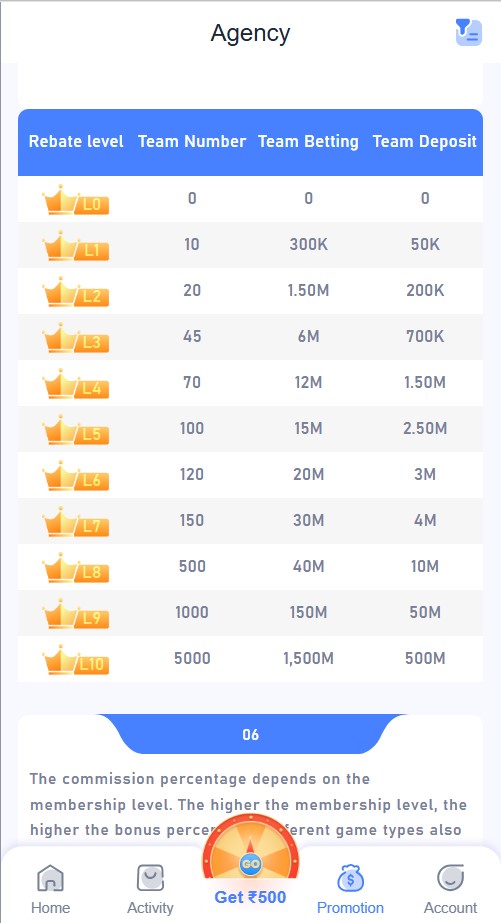
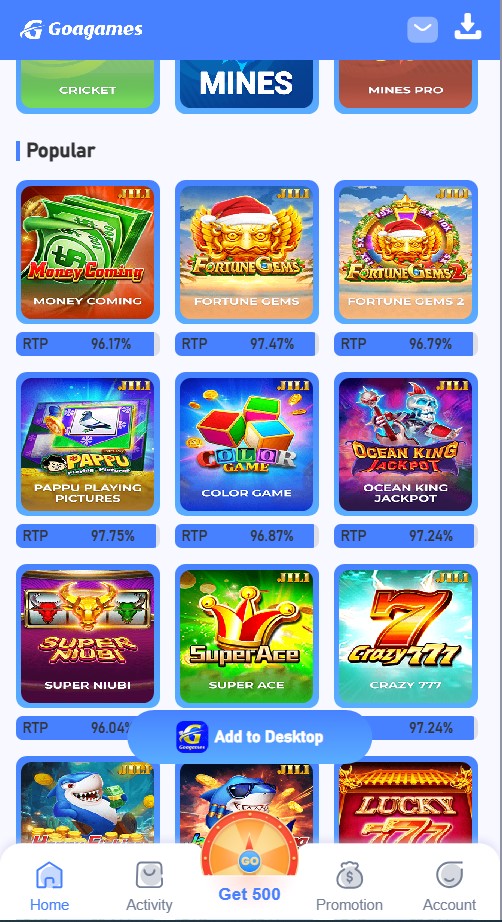
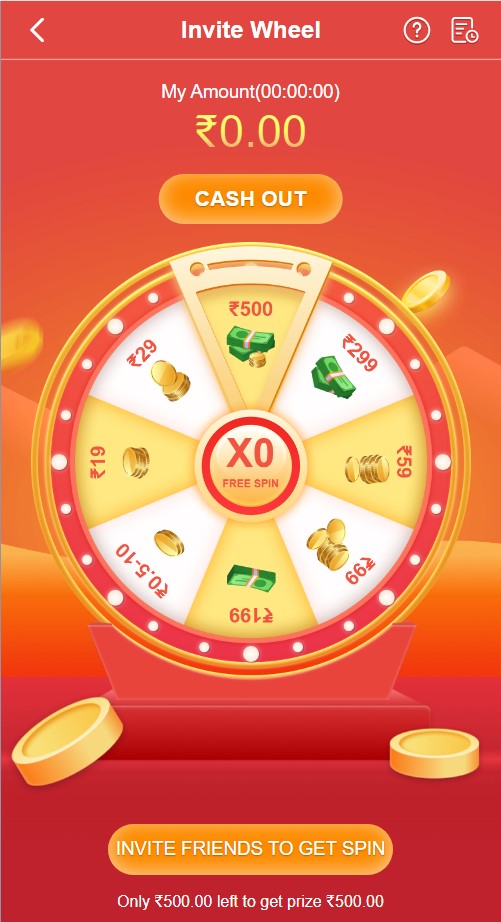
Installation
Follow the steps below to install Goa Game APK on your Android device. Make sure you have enough storage space and a stable internet connection before starting.
-
Download the Goa Game APK file from the link on this page.
-
Open your phone’s Settings > Security (or Apps & Notifications) and enable “Install from Unknown Sources” for your browser or file manager.
-
Locate the downloaded APK file in your Downloads folder.
-
Tap the file and select “Install” to begin the installation.
-
Once installed, tap “Open” to launch the app and complete the login setup.
Login & Register on Goa Game
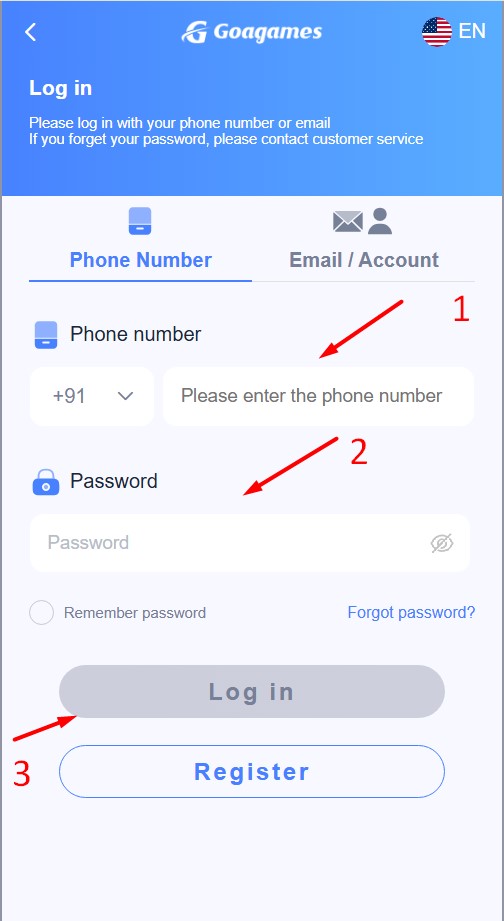
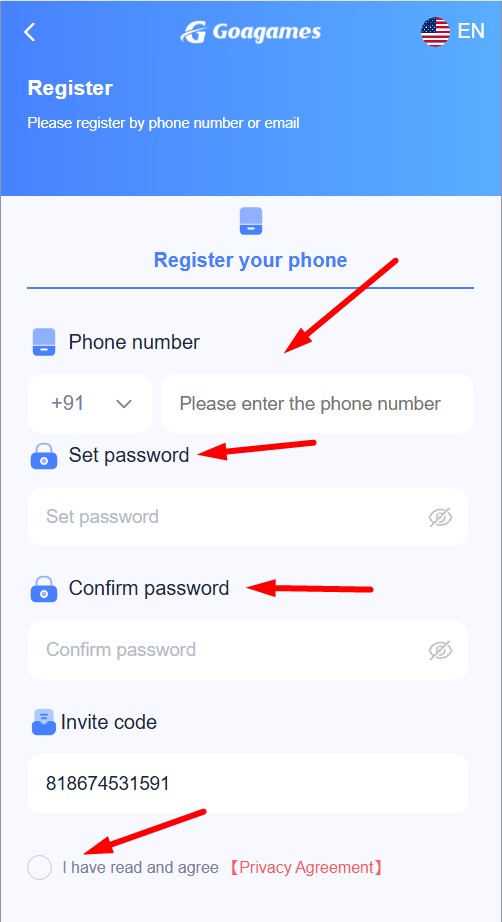
After installing the app, open it and complete the login or registration step to save your progress.
Open the app and tap the “Register” or “Login” button on the welcome screen.
Enter your mobile number and tap “Send OTP”.
Enter the OTP you received to verify your number.
Complete your profile setup and tap “Confirm” to finish.
Login & Register Troubleshooting
If you face login or registration issues, try these simple fixes first.
• OTP not received — Check your signal and tap "Resend OTP" after a few minutes.
• OTP expired — Request a new code and enter it right away.
• Login failed — Clear the app cache and try again.
• Wrong number — Check your number or update it in the help section.
• App not opening — Update to the latest version and free up storage space.
• Session logged out — Log in again with the same number and OTP.
Quick Tips
• Use stable internet — Prevents OTP delays.
• Use the latest version — Fixes common bugs.
• Check your number — Avoids login errors.
• Clear app cache — Improves app speed.
• Restart your phone — Fixes minor glitches.
FAQ
Is Goa Game APK free to download?
How do I fix OTP issues during login?
What Android version is required?
Is my personal data safe when using the app?
What should I do if the app freezes or crashes?
App Info & Safety
System Requirements: Android 5.0+, 2GB RAM, 100MB free space, and an active internet connection.
Safety Note: Download the APK only from this page. Do not share your OTP or login details with anyone.
How to Update: Download the latest APK from this page and install it over your existing app. Your login details will remain the same.
How to Uninstall: Go to Settings > Apps, find Goa Game, and tap Uninstall.
User Reviews